
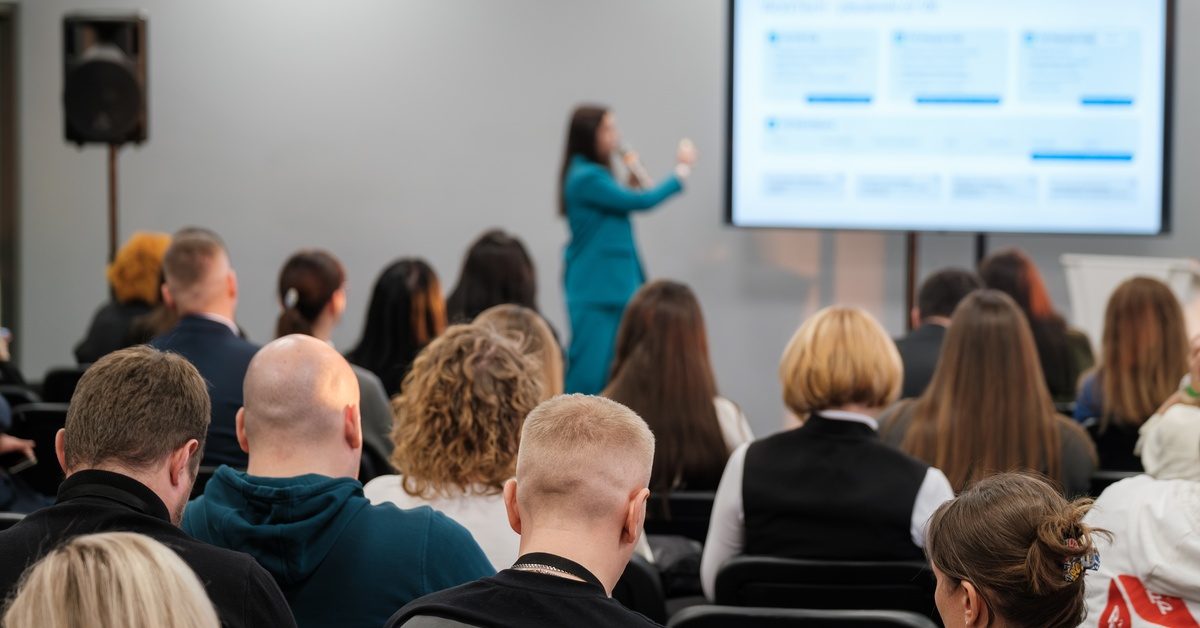
During an awards presentation or a keynote speech, audience members need to be able to hear the speaker clearly. People notice when the sound falls flat, cuts out, or blasts one section of the room right away.
If you’re hosting an upcoming event soon that requires an audio setup, being aware of the common audio mistakes will voiding the most common mistakes when planning event audio will make sure the sound is crisp and clear.
It’s tempting to pick speakers and microphones right away, so you can check a task off your list quickly. However, the venue itself should guide these choices. The room size, ceiling height, wall materials, stage position, and seating layout influence the way that sound travels.
A compact ballroom calls for a different approach than a large conference hall or outdoor space. Reflective surfaces may produce an echo, and a wide room may leave guests on the edges struggling to hear.
Review the venue before picking any equipment. Share a floor plan, photos, attendance estimate, and stage layout with the audio team, so they have enough information to shape the setup around the space.
An inaccurate attendance estimate makes it harder to plan even sound coverage. Fifty guests gathered near a stage have different listening needs than 500 attendees spread across a ballroom, and the system has to reach the full audience without overpowering the front rows.
Crowds also absorb sound, so an empty venue won’t sound exactly the same once guests arrive. That difference becomes glaringly obvious as attendance grows. Use the best guest count available during planning, then update the production team if registration numbers shift.
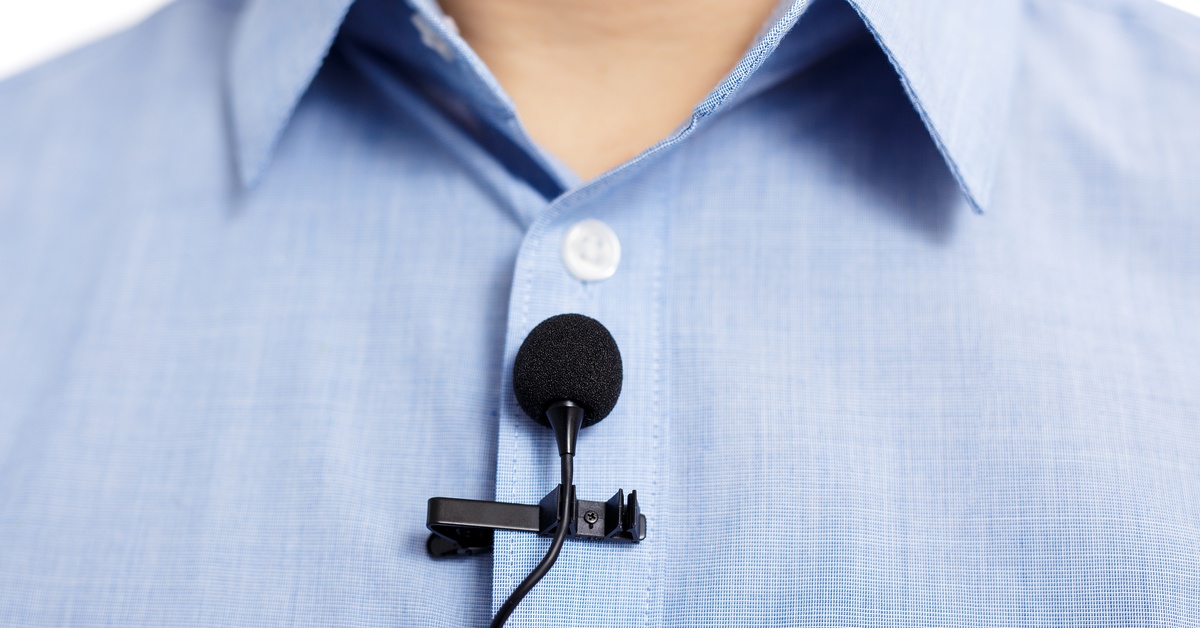
You don’t want several people fighting over the microphone at the event. On the other hand, you want each speaker to feel comfortable and confident in the type of microphone they’re using.
Not every part of an event works well with the same device. A keynote speaker who moves across the stage may prefer a headset or lavalier, while a moderator leading a brief Q&A may work comfortably with a handheld mic.
Choosing microphones without considering how people will speak creates awkward handoffs and unnecessary distractions. Presenters may turn away from a podium mic, struggle to juggle notes and a handheld, or lose volume when they move around. Be sure to think about the presentation’s format and the speaker’s style, so that the microphone matches the event’s style perfectly.
Speaker placement shapes how evenly sound reaches the audience, and poor positioning blasts the volume in a singular direction. Microphones and speakers put too close together may trigger feedback. Not to mention, hard walls and reflective surfaces sometimes add unwanted echo, especially in sparsely furnished rooms.
Map speaker positions around the audience, stage, and listening distance. Placing the speakers evenly throughout the room will produce balanced sound that doesn’t frustrate the crowd.
Microphones get plenty of attention during planning, but events rely on other sources, too. From walk-in music to video clips to DJ equipment, the program may have numerous audio sources to account for.
Last-minute surprises create stress when a device uses an unexpected connection or a video arrives with weak audio. A rushed fix also pulls attention away from the rest of the event setup.
List every audio source before event day and confirm who controls each one. Send media files early when possible, check connection types, and map out important cues so the technical team knows what needs to play and when.
A quick microphone tap doesn’t count as a complete sound check. Different presenters speak at different volumes, videos may play louder than music, and a microphone that sounds fine from the stage may be too quiet from the back row.
A thorough check gives the crew time to catch those differences before guests arrive. It also reveals interference, damaged cables, connection problems, or uneven coverage while there’s still room to make adjustments.
Test every microphone, playback source, and major cue that appears in the program. Then, listen from several points around the room. Bringing presenters into the sound check also gives technicians a more accurate idea of their natural speaking volume.

Great equipment still depends on good microphone technique. Presenters sometimes hold handheld mics near their chest, cover the grille, step away from a podium mic, or turn their head mid-sentence.
Those habits cause noticeable jumps in volume and clarity. Increasing the overall system level doesn’t fix the problem, and too much added gain may lead to feedback.
Give speakers a short, friendly microphone briefing before they take the stage. Show them the ideal distance, let them hear the difference for themselves, and offer a quick reminder during rehearsal. A minute of guidance helps speakers feel more comfortable and keeps their delivery sounding consistent.
Even a well-prepared event can run into a dead battery, faulty cable, dropped microphone, or stubborn playback device. Without a backup nearby, a small technical problem may interrupt the program much longer than necessary.
Preparation keeps those moments from turning into a scramble. Spare batteries, replacement cables, backup microphones, and alternate playback options give the crew another route when something stops cooperating.
Discuss backup plans during preproduction, and keep essential replacements close to the stage or control area. Fast access helps technicians solve the issue quietly and keep the program moving.
Avoiding common mistakes when planning event audio comes down to thoughtful preparation and clear communication. When the venue, audience, program, equipment, and schedule all line up, the audio team has what it needs to keep the event sounding smooth from the opening announcement through the final cue.
Once the date, venue, and general format are set, begin discussing audio system rental options. Mass AV Rentals helps event planners and production teams handle audio for events across Massachusetts and Rhode Island. If you’re planning an upcoming event, contact Mass AV Rentals to discuss the venue, audience, program, and technical details, so that our team can recommend an audio setup that suits the occasion.